
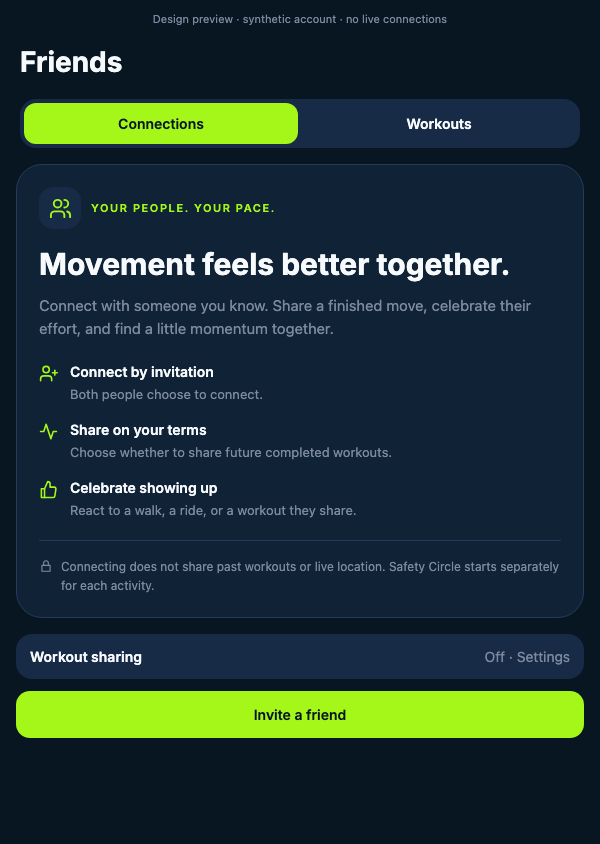
Connect by invitation
Both people choose to connect. A private invitation starts the relationship.

Friends on RiseMove
Connect with people you know, share the movement you choose, and support each other without turning every day into a competition.
Available now
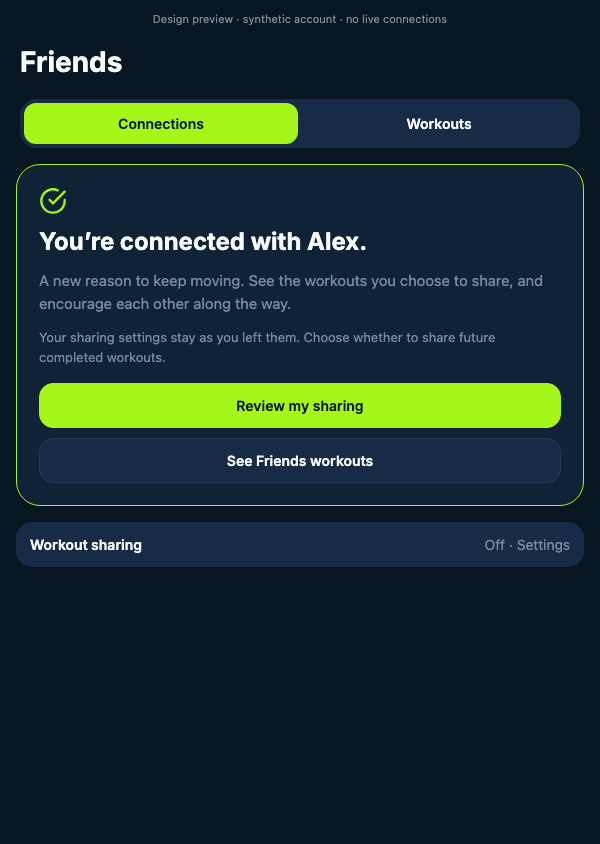
Friends starts with a private invitation and an accepted connection. Connecting alone does not share a workout or live location.
Both people choose to connect. A private invitation starts the relationship.
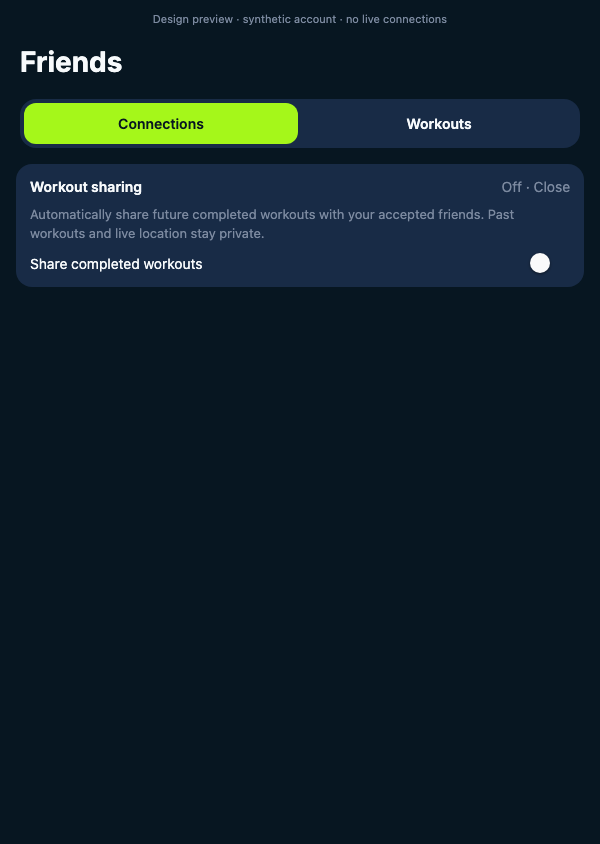
Your past activity and live location stay private. You control whether future completed workouts appear for accepted friends.
Shared workouts appear in a dedicated Friends view, separate from your private history.
Route privacy
Before an activity goes to friends, choose how much route detail is included. RiseMove begins with the route hidden.
Hidden is the default. The shared activity includes no map or route.
Separate from Friends
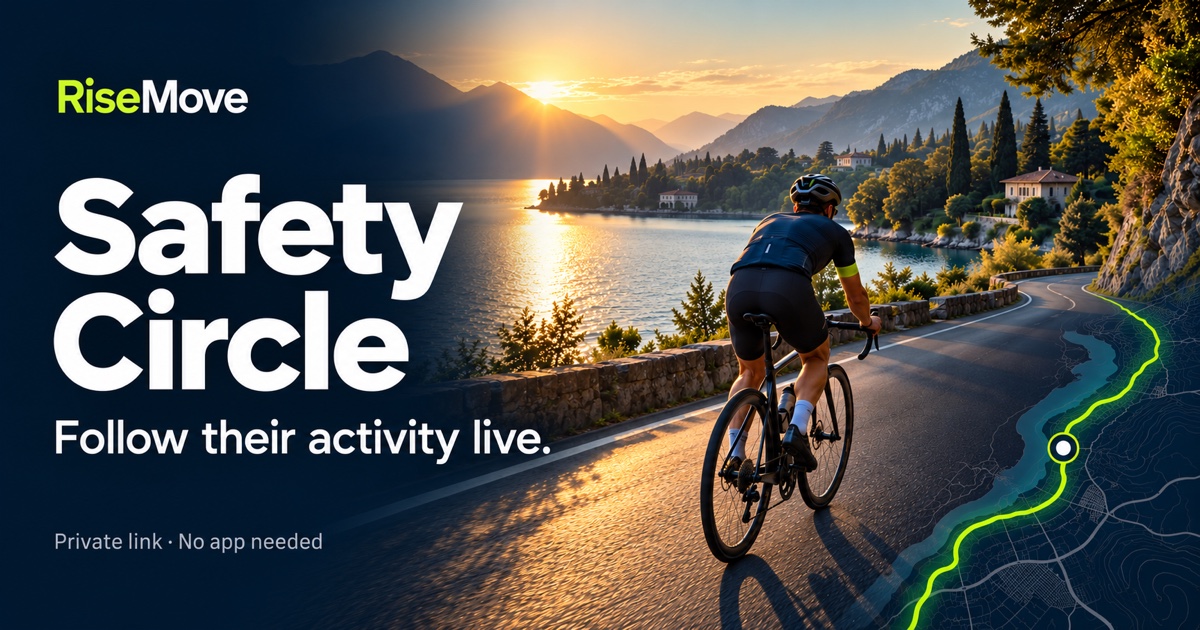
Friends sharing does not automatically turn on live location. When you want a trusted person to follow a walk, run, ride, or open-water swim, start Safety Circle for that individual activity and choose the recipient or private link.
See Safety CircleUpcoming Signal Feed vision
We are exploring a friends-first Signal Feed that shows the day’s Move, Build, Train, and Recover rhythm. The goal is to celebrate the decision that keeps someone moving well—including recovery and smart adjustments.
This experience is upcoming and is not included in the current Friends release.
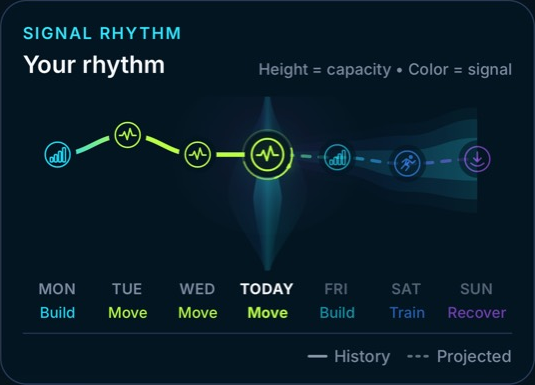
Move · Build · Train · Recover
Audience controls and supportive reactions are part of the upcoming Signal Feed, not the current Friends release.Questions
Update to the latest version, open RiseMove, then go to You → Friends.
No. A connection does not automatically share a workout or live location. You decide whether accepted friends can see future completed workouts and how much route detail to include.
No. Safety Circle is separate and must be started for an individual activity. It shares live activity information only with the trusted people or private links selected for that activity.
Android is available through the RiseMove closed beta. Follow the beta enrollment and update steps.