Turn on Safety Circle.
Start recording your activity in RiseMove. Open Safety Circle, choose one or two trusted people or private links, then start sharing. You decide whether to include any training stats or a check-in time.
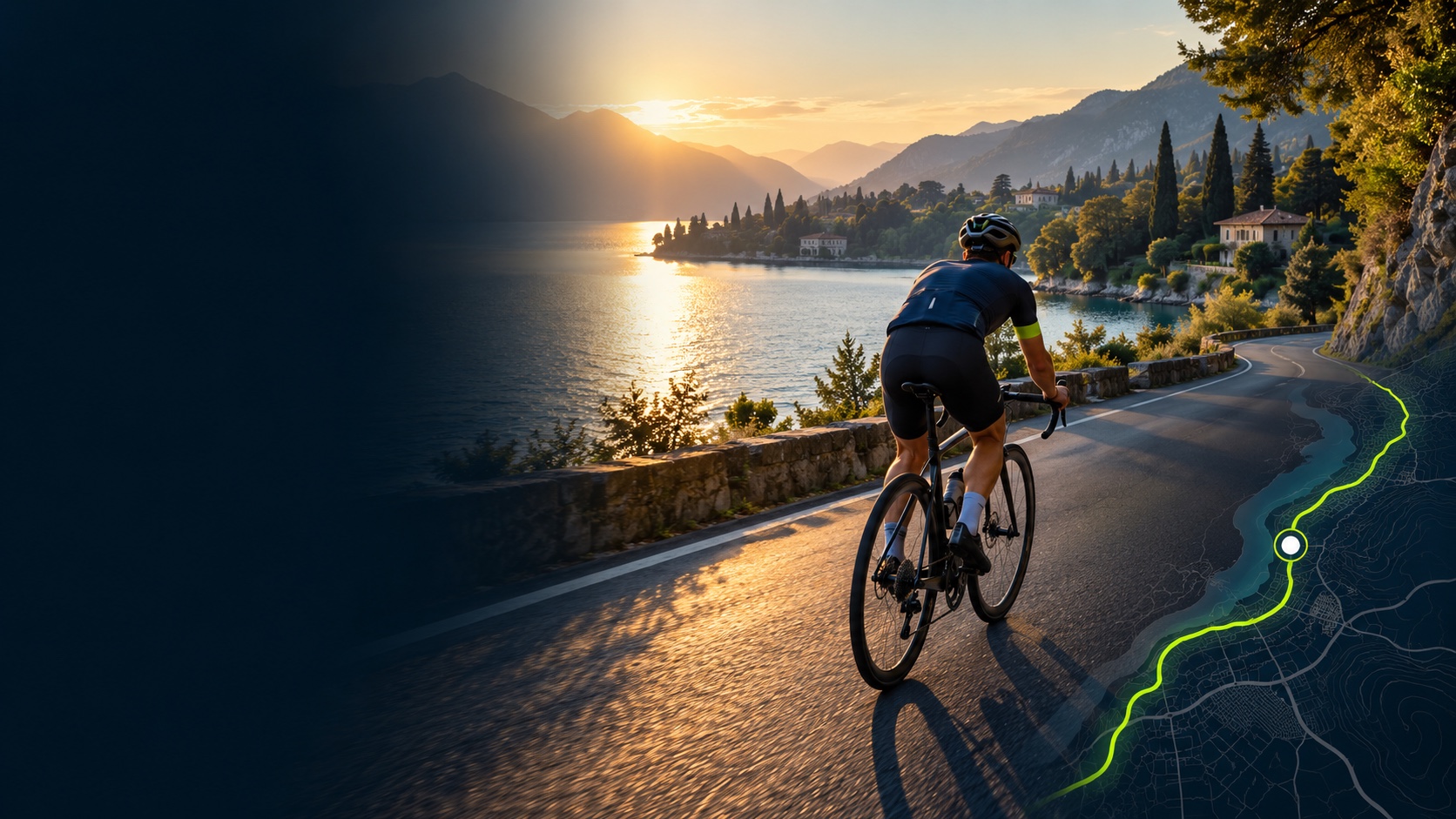
Share your live location with one or two trusted people. They open your private link—no app needed.
For example, you’re heading out for a long ride and want your partner to know where you are. Here’s what happens.
Start recording your activity in RiseMove. Open Safety Circle, choose one or two trusted people or private links, then start sharing. You decide whether to include any training stats or a check-in time.
Send the link to your chosen person using your usual messaging app. It is an invitation to follow this activity—not access to your account or your full activity history.
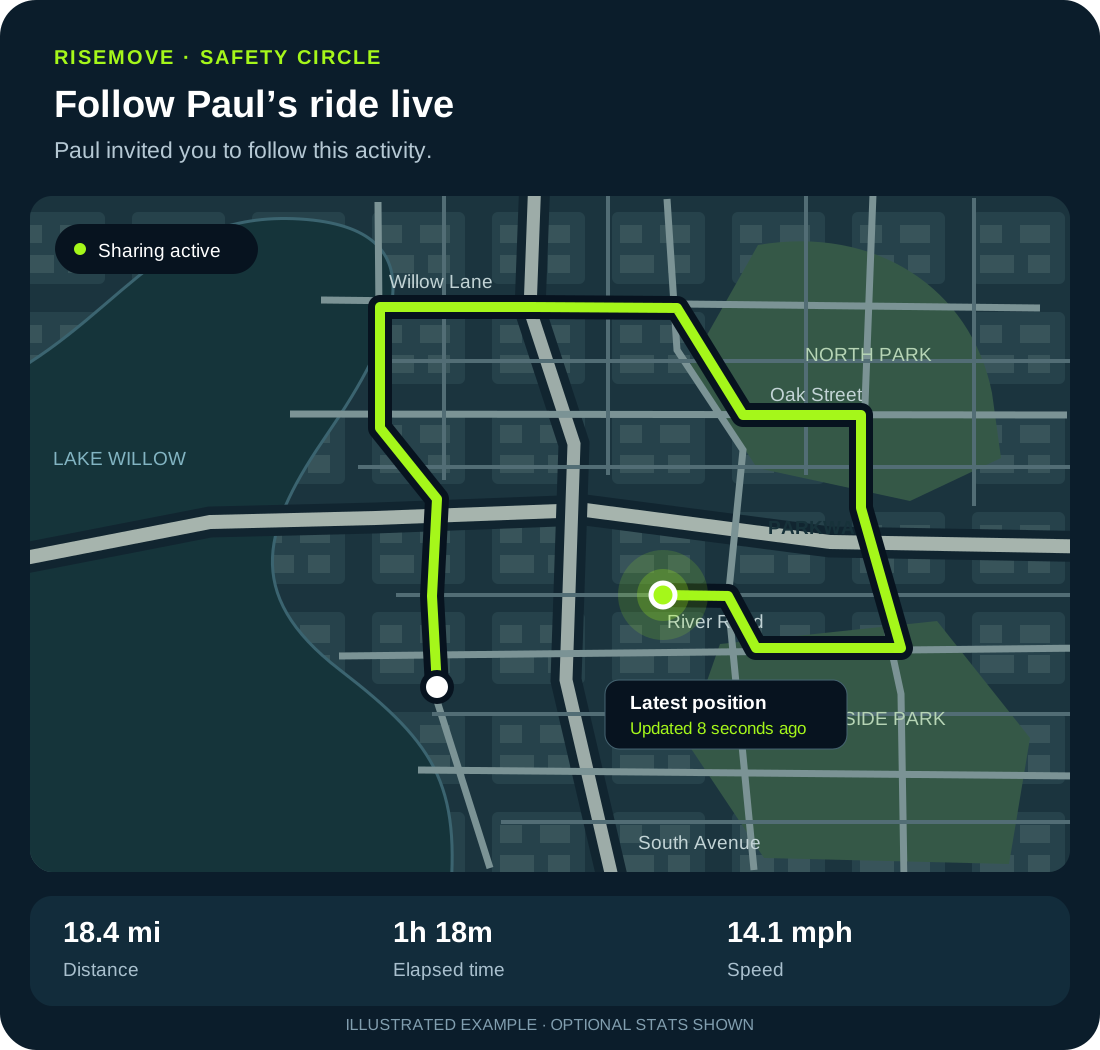
The link opens a page explaining whose activity they’re following. A map shows your latest shared position and recorded trail, with the time of the latest update. Finishing or stopping sharing ends live access.
Your name and activity appear above the map. Your recorded trail shows where you’ve been, and a position marker shows the most recent location received. The update time helps them judge how current it is.
If your connection drops, the page keeps the last received position and identifies delayed updates. It does not invent movement between locations.
Location sharing is the main feature. These two additions are optional and stay off until you choose them.
Your friends do not automatically receive your live location. You activate Safety Circle for each activity, and live access ends when you finish or stop sharing. Anyone with the private link can view it while it is active, so send it only to people you trust.
Walking, running, cycling, and open-water swimming. Safety Circle is not offered for other activity types.
No. A private link opens the live viewing page in their browser. A RiseMove account and notification permission are needed for background check-in alerts.
Your tracking device needs location access and a connection to send updates. Updates can be delayed in weak coverage. For swimming, do not expect reliable GPS or connectivity underwater. Standalone watch support depends on the device and connection; Wear OS is a separate testing programme.
No. Safety Circle helps trusted people follow an outing. It does not detect emergencies, guarantee updates or alerts, or contact emergency services.
The iOS update is being prepared for App Store review and becomes available after approval. Android remains in closed testing. See Android testing details.
Record your next outdoor activity in RiseMove. When Safety Circle is available, turn it on and invite your person to follow along.
Get RiseMove for iPhoneLooking for coaching and weekly planning? Meet Hank and explore Premium.