
What Apple Health adds to RiseMove
Apple Health collects fitness information from Apple Watch, iPhone, and compatible apps or devices. With permission, supported data can give RiseMove recent workout context without manual re-entry.
The connection is optional and category-specific. You choose what to share and can change access later; RiseMove does not receive everything in Apple Health.
RiseMove can use only supported, available, authorized information.
What information may be used
Availability varies by device, source app, permission, and current RiseMove support.
| Information | Potential role in RiseMove | Important limitation |
|---|---|---|
| Workout or exercise sessions | Add completed activity and recent-movement context. | Source app/device must write a supported workout. |
| Activity type, date, and time | Identify what you did and when. | A label does not show total effort or response. |
| Duration and distance | Add workout-volume context. | Fields may vary by source. |
| Steps | Add general movement context. | Steps alone do not determine readiness. |
| Sleep duration | Add recovery context. | Accuracy depends on the source. |
| Resting heart rate | Add one recovery cue. | Not a diagnosis or complete readiness score. |
| Source information | Identify source and reduce duplicates. | RiseMove cannot control another app’s data quality. |
How approved information supports the Daily Signal
Approved Apple Health context can help RiseMove understand recent activity and explain today’s Signal.
One workout does not decide the Signal. Your check-in, goals, recent movement, and available context work together.
How to connect Apple Health
- Open RiseMove → You → Activity Data / Apple Health.
- Choose Connect Activity Data to open Apple’s permission flow.
- Approve only the supported categories you want to share.
- Return to RiseMove. Eligible approved workouts can appear in Activity History and supported Signal features.
- Change Apple Health permissions later in Apple Health or iPhone privacy settings.
Why a workout may not appear
| Situation | What it may mean | What to check |
|---|---|---|
| Workout was recorded in another app | The other app may not have written a supported workout to Apple Health. | Confirm the workout is in Apple Health and the source can write it. |
| Permission is off | RiseMove cannot read that category. | Review RiseMove’s Health permissions. |
| Some fields are missing | The source may not have written optional fields. | Check the original workout and source device. |
| Workout appears twice | Multiple sources may have written similar records. | RiseMove reduces duplicates, but source behavior varies. |
| Historical activity is incomplete | Timing, permissions, support, or implementation limits may apply. | Reconnect if needed and verify the data exists. |
| Route details do not appear | RiseMove does not copy every Apple Health field. | Use the source app for route details unless RiseMove supports them. |
Privacy, storage, and user control
Use approved information for product functions
- Import eligible workout summaries
- Improve readiness and Daily Signal context
- Support planning, coaching, sync, and troubleshooting
Use connected-health data for unrelated purposes
- Sell Apple Health data or build ad audiences from it
- Train general-purpose AI models with connected-health data
- Diagnose conditions or guarantee a workout is safe
Revoking permission stops future access to that category but may not delete summaries already imported. See Privacy & Data for retention, deletion, export, AI, and connected-service details.
RiseMove is not a medical device and does not diagnose, prescribe treatment, or replace professional care.
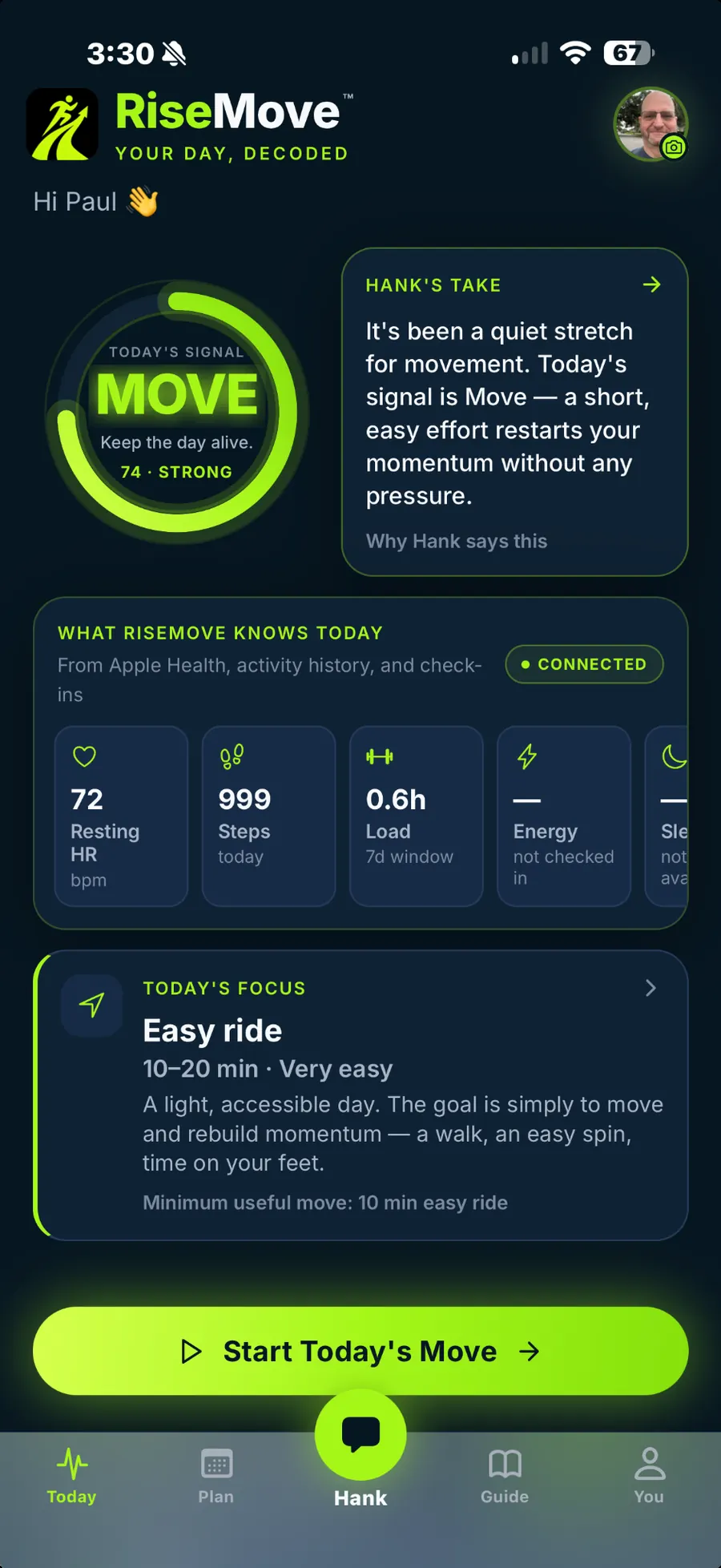
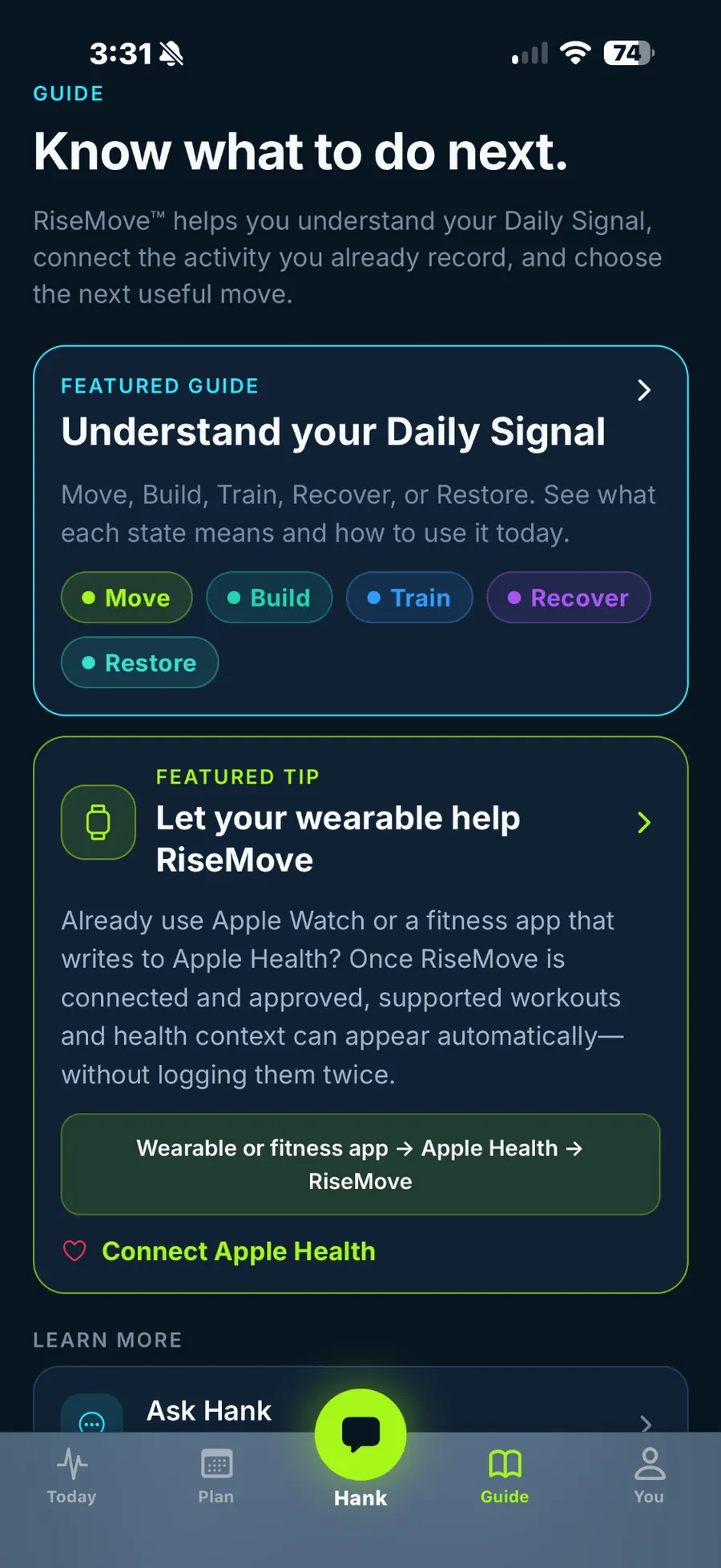
What the connection looks like inside RiseMove
Sources and reference notes
Official Apple and RiseMove references:
Frequently asked questions
Does RiseMove read all of my health information?
No. Access is category-specific; RiseMove reads only supported, authorized information.
Why is an approved category showing no data?
The source may not have written eligible data, the record may be unsupported, or permission may be unavailable. Apple’s privacy model can also make unavailable data look absent.
Can I disconnect Apple Health?
Yes. Change or revoke permissions in Apple Health or iPhone settings. Revoking access does not automatically delete prior imported summaries.
Does RiseMove sell Apple Health data or use it for advertising?
No. RiseMove states that connected-health data is not sold, used for ad audiences, or used for unrelated cross-company tracking.